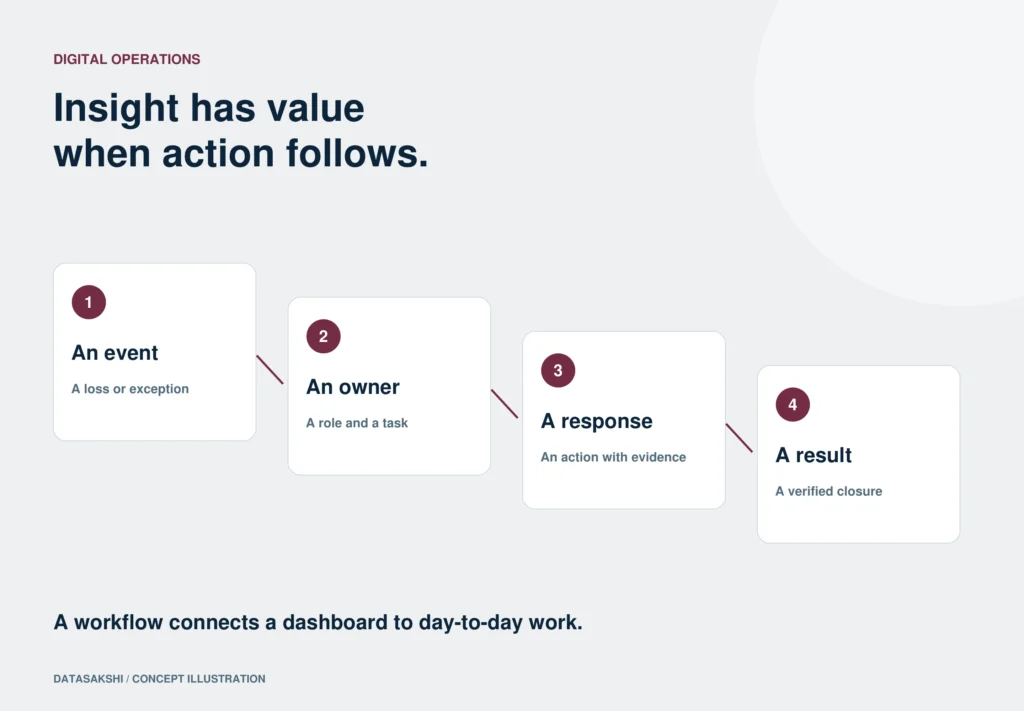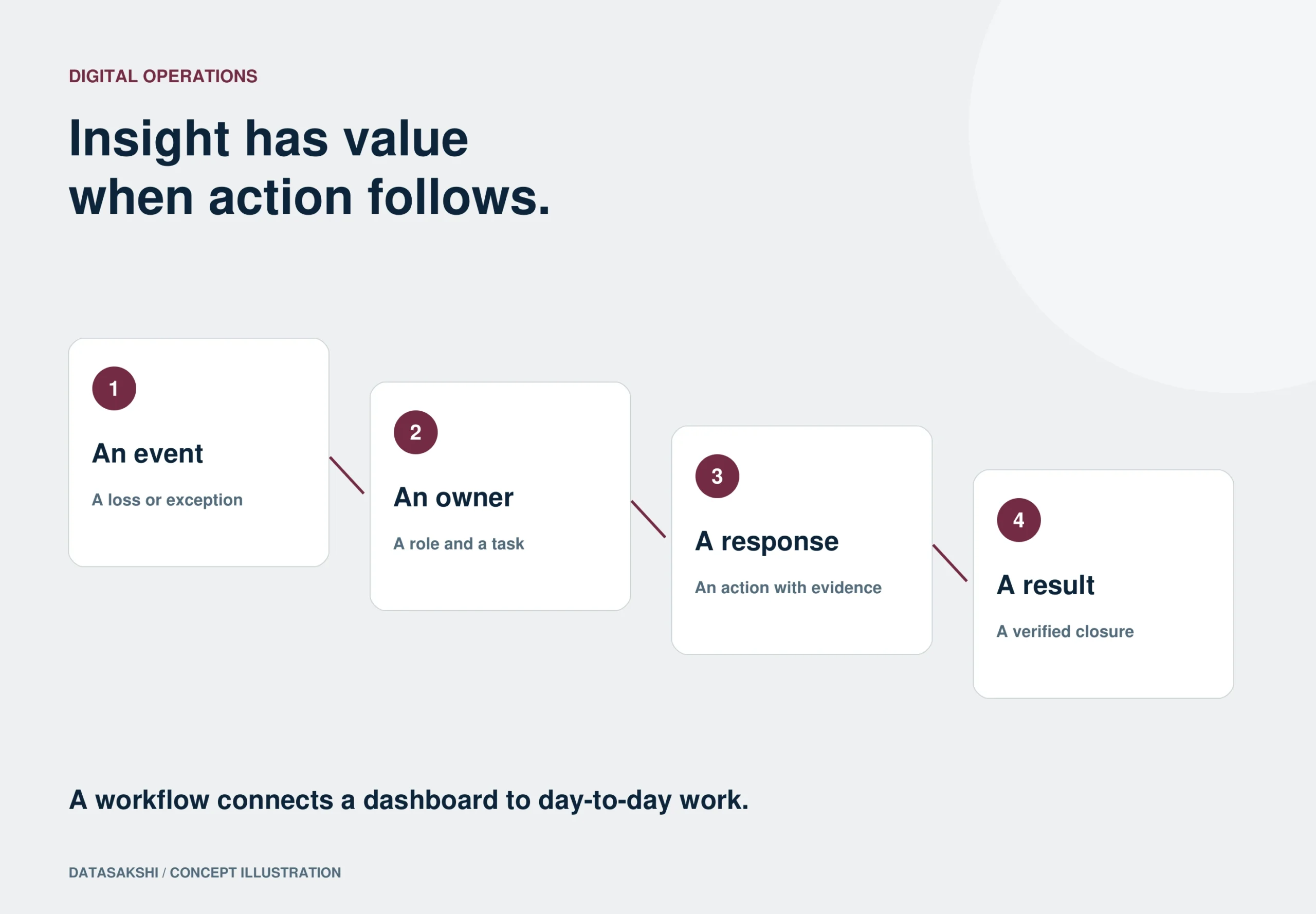
The production dashboard shows a recurring loss. Someone raises it in the shift meeting, another person agrees to investigate, and the follow-up moves into separate calls or messages. A workflow gives that handover a place in the operating record, so the team can see what happened after the issue became visible.
IN BRIEF
- Name the decision and the responsible role.
- Deliver the relevant context with the task.
- Check the operating outcome after the task is completed.
Name the action behind the indicator
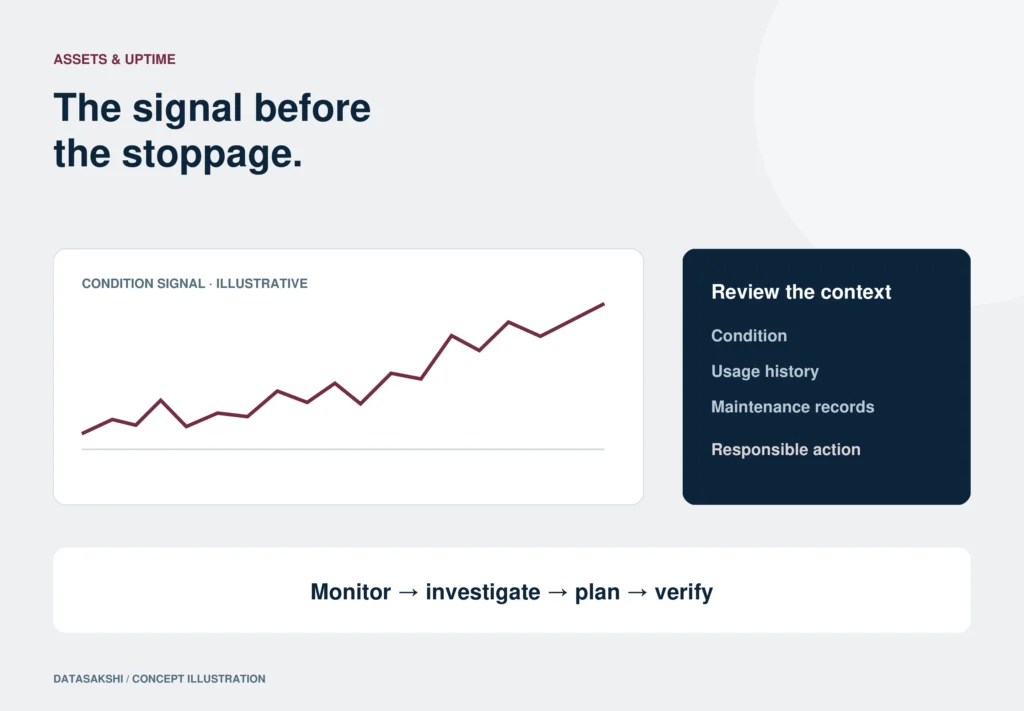
Choose one repeated exception from the production, quality or maintenance review. Ask what should happen when it appears: an inspection, a check of the material or a review of machine condition. Define the responsible role and the information needed to begin. This turns a useful display into a starting point for work rather than the end of the reporting process.
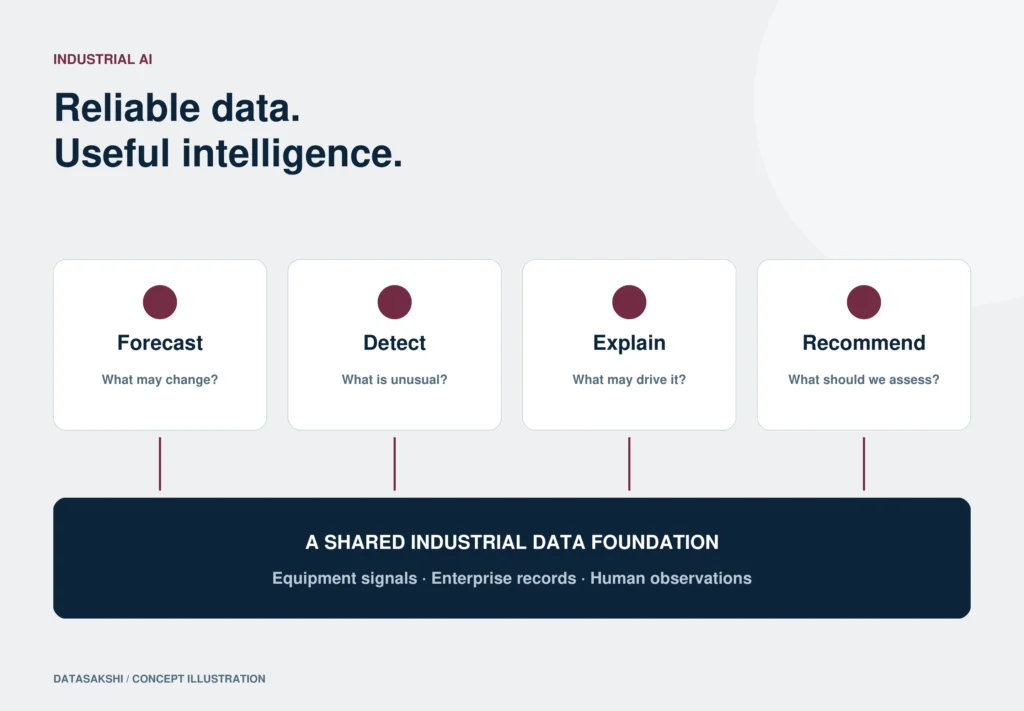
The StatPort architecture makes a useful distinction between seeing and acting. Analytics and dashboards provide plant, line and role views. The action layers raise tickets, bundle alerts for the relevant users, apply escalation rules and monitor the outcome. A first workflow should connect those layers around one operating issue rather than generate notifications for every visible change.
Make the handover explicit
Identify the trigger, the task and any dependency on another operation. A failed quality check may need review before the next process can proceed. A maintenance observation may require a supervisor’s planning decision. Map that sequence with the people doing the work. Agree how an unresolved item will be escalated so the follow-up does not depend on someone remembering a conversation.
The workforce material includes supervisor allocation, self-service allocation and orchestrated steps, with calendars and activity logs. Select the method that suits the routine. A scheduled patrol, an unexpected production constraint and a quality exception may need different handovers. The important point is that responsibility and status stay in the operating record rather than disappearing when the meeting or phone call ends.
Send enough context to investigate
A ticket should help the recipient understand where to look. Include the relevant asset, job or process reference, the observation and the supporting record. Palm Port is the StatPort companion app for mobile work, including processes, alerts, escalations, tasks and calendars. Palm Pro serves the digitalisation of documents and routines. Their roles connect information capture with the person handling the response.
The brochure describes role-specific information for a deskless workforce: processes, alerts, escalations, tasks and calendars can follow the person doing the work. This is not a reason to send every chart to everyone. A useful task bundle should answer what needs attention, where the evidence is and what decision or activity is expected from that role.
Separate task completion from sustained improvement
Marking a task complete records that work was done. Checking the operating result establishes whether it helped. Agree what evidence and follow-up period suit the issue. StatPort’s closed-loop workflow can monitor corrective-action outcomes and reopen a ticket when the fix does not hold. Retaining the earlier activity gives the next investigation a useful history.
The outcome may need to be checked after production resumes or after the relevant process repeats. The presentation explicitly describes reopening a ticket if a fix does not hold. Preserve the earlier action and its evidence instead of silently replacing the history. That turns a returning issue into a continuation of an investigation rather than a completely new conversation.
Test one routine across the next handover
Run the workflow through a shift change or the next scheduled review. Can the incoming team identify the owner, understand what was tried and see what remains open? Adjust the task and its context before extending the approach. The useful measure is whether the operating team can follow an issue from detection through response to a result it can assess.
The first review should include the recipient of the task, not only the person designing the dashboard. Can they find the relevant job or asset? Do they understand the expected action? Can they record an observation without duplicating a separate report? These are practical editorial checks for a usable handover, not a claim that every workflow is already configured for every installation.
ILLUSTRATIVE SHOP-FLOOR SCENARIO
A recurring quality loss at shift handover
In an illustrative plant, the quality view shows a repeated issue at one operation. Instead of copying a chart into a message group, the team creates a task carrying the operation, product context and supporting record. A named role reviews it, records the investigation and identifies the next authorised step.
At shift change, the incoming supervisor can see the task status, what was tried and the evidence still needed. The result is checked when the process repeats; the record stays open or returns to investigation if the issue remains. This is a workflow illustration, not a statement that a named customer achieved a measured improvement.
Bring these questions to the first review.
- What event should create the task?
- Who receives it, and what context do they need?
- When should an unresolved task be escalated?
- What distinguishes completed work from a sustained result?
Source notes & editorial boundaries
November capability brochure, pages 5 and 8–9; November presentation, slides 6, 10 and 19. The shift-handover scenario and review checklist are editorial guidance.
This article is prepared from DataSakshi’s supplied materials. Product statements retain their stated scope. Practical examples are illustrative, not customer testimonials or performance promises.